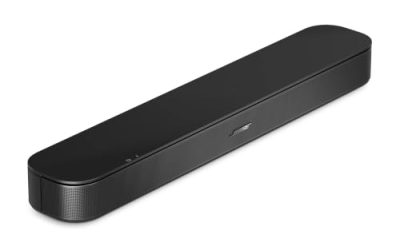
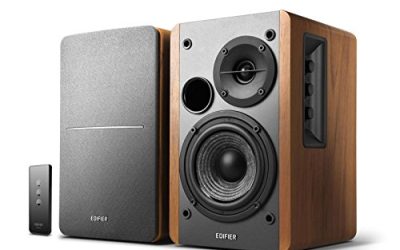
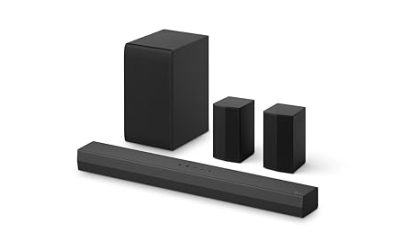
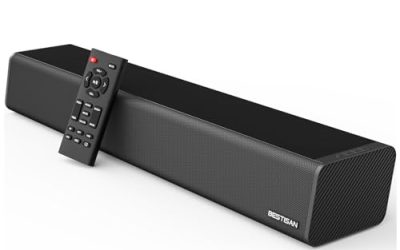
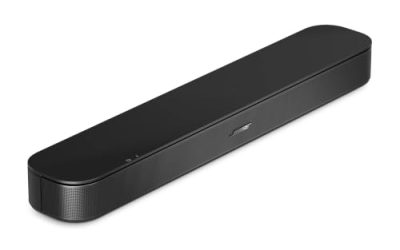
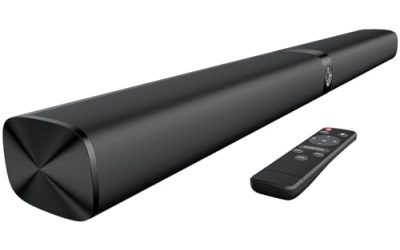
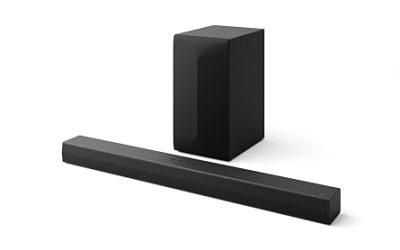
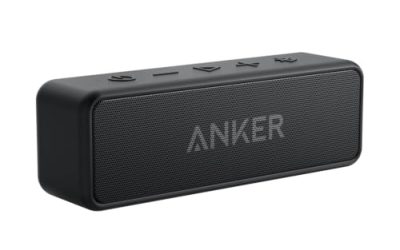
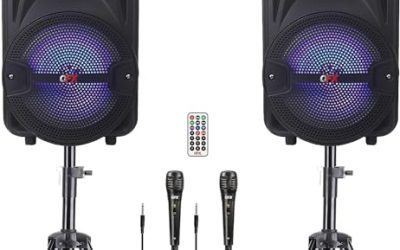
Shopping for PC speakers under 100 dollars means choosing between sound bars that tuck under a monitor, small stereo pairs that sit on either side of it, and gaming-flavored sets with lights. Within that range, almost every option is powered over USB and connects with a 3.5mm cable, so the real differences are footprint, volume control, extra inputs, and whether the unit adds Bluetooth or a headphone jack. Raw loudness rarely separates them; ergonomics and connection options do. That is why this guide leans on practical checks such as port types, volume controls, and the space under your monitor, because those decide whether a set stays on your desk or goes back in the box.
This guide is for desktop and laptop users in 2026 who want clear stereo for videos, music, and calls without a subwoofer or a separate power brick. It compares eight USB-powered speakers using only what their titles state, and it points out which ones suit a crowded desk, a gaming setup, or a plain office workstation.
Our Top Picks


Top 3 picks at a glance
Quick Picks
As an Amazon Associate we earn from qualifying purchases at no extra cost to you.


| Product | Best for | Key spec from the title |
|---|---|---|
| USB Plug-in Computer Soundbar | Monitor-top simplicity | USB plug-in, wired, adaptive-channel-switching |
| LENRUE G11 | Touch-light desk setups | Touch lights, USB-C or USB powered, AUX audio |
| Small USB Desktop Speakers | Tight desks | USB powered, 3.5mm aux, small size |
| 2-in-1 RGB Gaming Speakers | Gaming desks | RGB, touch sensitive lighting, USB powered |
| Nylavee Bluetooth Sound Bar | Bluetooth plus wired | 4-driver stereo, Bluetooth and AUX, built-in mic |
| Basics Stereo 2.0 Speakers | Plain, no-frills stereo | Volume control, 3.5mm aux, USB-powered pair |
| LENRUE Under-Monitor Sound Bar | Slim desk footprint | Wired USB power, 3.5mm aux, USB-C adapter |
| FUNLOGY 14W Stereo Speakers | Tilted listening and volume dial | 14W, 30 degree tilt, volume dial |
How to Choose
Form factor and desk space
A sound bar fits under a monitor and keeps the desk clear, while a two-piece pair gives better left and right separation if you have space on either side. Measure the gap under the monitor stand before buying a bar. If your desk is deep enough, a tilted or angled design aims sound at your ears instead of the wall, which matters more than a few extra watts.
Power and connections
Most speakers in this tier draw power from a USB port and carry audio over a 3.5mm cable. Check whether the power connector is USB-A or USB-C, since a laptop with only USB-C ports needs an adapter. A single cable for both power and audio is simpler, but some units need two. Bluetooth is a convenience for phones, but a wired link is usually more stable for a desktop.
Controls and extras
Physical volume knobs and mute buttons beat touch controls for quick adjustments. A headphone jack on the speaker saves reaching behind the PC. Built-in microphones are rare; treat them as a bonus. RGB lighting is mostly cosmetic and can be distracting at night, so ignore it unless you want it. Do not pay extra for “surround” claims on a two-speaker bar.
Sound expectations
Speakers at this price will not produce deep bass. Look for a stated wattage in the 10W to 15W range for a small room, and treat larger numbers as marketing. Four-driver designs can widen the sound compared to two-driver bars, but placement and volume discipline matter more than any spec. Budget models cut corners on enclosure damping and on low-end extension, so keep volume reasonable.
The 8 Best Options
USB Plug-in Computer Soundbar
A wired, USB plug-in sound bar for desktops and monitors, with adaptive channel switching called out in the title. It suits buyers who want to connect one cable and forget about it, for video calls, streaming, and light gaming.
- USB plug-in design keeps setup short and clean
- Soundbar shape leaves the desk uncluttered
- Trade-off: the title lists no wattage or Bluetooth, so features are basic
Skip it if you want a volume knob, a headphone jack, or a stereo pair that sits wide apart on the desk. Because the title says little about drivers or power, buyers should treat it as a basic utility speaker and keep expectations modest for music with deep bass.
LENRUE G11
A desk speaker for people who like a little glow. The title lists touch lights, surge clear sound, USB-C or USB power, and an AUX audio connection for a computer or laptop.
- USB-C or USB power makes it easy to connect to modern laptops
- AUX audio input works with PCs that lack Bluetooth
- Trade-off: touch lights add a feature you might not use, and touch controls can be fiddly
Skip it if you prefer a plain, dark desk setup with a physical volume knob. The touch lights are a styling choice, not a sound feature, so judge it on the USB-C or USB power flexibility and the AUX connection first.
Small USB Desktop Speakers
This is the plainest listing in the group: small computer speakers for desktop PCs, USB powered, with a 3.5mm aux connection. It suits crowded desks, dorm setups, and secondary computers where compact size beats everything else.
- Small footprint fits almost any desk
- USB power and 3.5mm connection keep the setup simple
- Trade-off: the title gives no wattage, driver count, or extra features
Skip it if you want stronger bass or more control options. It makes the most sense as a spare pair for a guest computer, a kitchen laptop, or a kid’s desk, where simplicity matters more than tuning.
2-in-1 RGB Gaming Speakers
A gaming-flavored pair that lists RGB speakers with touch-sensitive lighting, USB power, and compatibility with PCs, laptops, desktops, and monitors. It suits gamers who want matching desk lights.
- RGB lighting matches common gaming desk setups
- 2-in-1 design works with laptops, monitors, and desktops
- Trade-off: lighting is cosmetic and can distract in a dark room
Skip it if you want a neutral desk or a stated wattage and driver layout. Lighting that responds to touch can also be switched on by accident, so check whether it can be turned off before you commit to a bedroom desk.
Nylavee Bluetooth Sound Bar
The most connected option here. The title lists Bluetooth and AUX, four drivers of hi-fi stereo, USB A or C power, a built-in mic, and a headphone jack. It suits people who want to switch between a PC and a phone.
- Bluetooth and AUX give two ways to connect
- Built-in mic and headphone jack add convenience for calls and private listening
- Trade-off: more features means more buttons and a more complicated setup
Skip it if you want a wired-only, one-cable design with nothing to pair. The extra connectivity is the point of this model, so buyers who never use a second device will be paying attention to features they will not touch.
Basics Stereo 2.0 Speakers
A house-brand pair that lists volume control, a 3.5mm aux input, USB power, and a pair in black. It is the straightforward, no-surprises choice for buyers who want two speakers and a volume knob.
- Physical volume control is easy to reach
- Pair layout provides real left and right separation
- Trade-off: the title lists no Bluetooth, RGB, or wattage, so it is plain
Skip it if you want lights, Bluetooth, or a compact bar for a tight desk. It is a sensible fit for an office workstation, a spare room, or a first PC where the goal is simply clear, separated left and right audio.
LENRUE Under-Monitor Sound Bar
A slim bar designed to sit under a monitor. The title lists wired USB power, 3.5mm audio, a slim under-monitor design, and a USB-C adapter, so it can connect to newer laptops.
- Slim design fits under many monitors without blocking the screen
- USB-C adapter helps with modern laptops
- Trade-off: a bar offers less stereo separation than a spaced pair
Skip it if you want wide stereo or a monitor that sits too low for a bar. Measure the clearance under the screen, including the stand feet, because even a slim bar can end up blocking the bottom edge of the display.
FUNLOGY 14W Stereo PC Speakers
A compact pair that lists 14W stereo output, USB power, a 30 degree tilt design, and a volume dial. The tilt angles the sound toward your ears, which helps at a desk.
- 14W rating and a volume dial give clear control
- 30 degree tilt aims sound upward at the listener
- Trade-off: the title does not list Bluetooth, so it is wired only
Skip it if you want wireless connectivity, a spaced layout wider than the desk allows, or an under-monitor bar. The dial and tilt are the standout points, since fast volume changes and aimed sound make a bigger daily difference than a few extra watts.
Which One Fits Your Situation
You have a crowded desk
The Small USB Desktop Speakers or the LENRUE Under-Monitor Sound Bar keep a small footprint and leave the desk clear. The bar is the better choice if the monitor stands high enough, and the small pair is better if you want some stereo spacing.
You want Bluetooth for a phone and a PC
The Nylavee Bluetooth Sound Bar lists both Bluetooth and AUX, plus a headphone jack and built-in mic. That combination is handy for video meetings, where the same device can handle the call audio and your music between meetings.
You game and like lighting
The 2-in-1 RGB Gaming Speakers or the LENRUE G11 add lights to the desk, with USB power and AUX input.
You want plain stereo with a volume control
The Basics Stereo 2.0 Speakers or the FUNLOGY 14W pair both list a volume control and a simple USB-powered design, so neither needs software or pairing before it works.
Common Mistakes
- Choosing by wattage alone when connections and size matter more
- Forgetting whether the PC has a free USB port for power, or whether a laptop needs a USB-C adapter first
- Buying a sound bar for a monitor stand that is too low
- Paying extra for RGB lighting that will not be seen
- Expecting deep bass from a small USB-powered speaker, instead of treating volume and placement as the real upgrades
Related guides
- When I Turn On Record Game In Background On Gamebar. Gamebar Crashes, What Do I Do?
- How To Reduce Background Noise On A Streaming Microphone
- Poly Computer Accessories Company Streaming Evaluation
Frequently Asked Questions
Do USB-powered speakers need a power adapter?
Most draw power from a USB port, so they need none. Check whether the unit uses USB-A or USB-C, and whether audio needs a separate 3.5mm cable.
Are Bluetooth PC speakers worth it?
They help if you want to play from a phone too. For a desktop alone, a wired connection is usually more reliable.
Sound bar or two-piece speakers?
Bars save desk space, while two-piece sets give better stereo separation. Choose based on the room under your monitor, and on whether you sit centered or off to one side of the screen.
Will under 100 dollars get good bass?
Not deep bass. Expect clear voices and balanced mids from a compact speaker, and consider a subwoofer later if you need more. Keeping the speakers off the desk surface and slightly raised can also tighten the sound.